How to Rank Higher on Google Maps for Dentists (Without Spending a Fortune on Ads)
In this article
Someone in your neighborhood just chipped a tooth. Another person has been putting off their cleaning for six months and finally decided today is the day. A family just moved to town and needs to find a new dentist for their kids.
All three of them just opened Google and searched for "dentist near me."
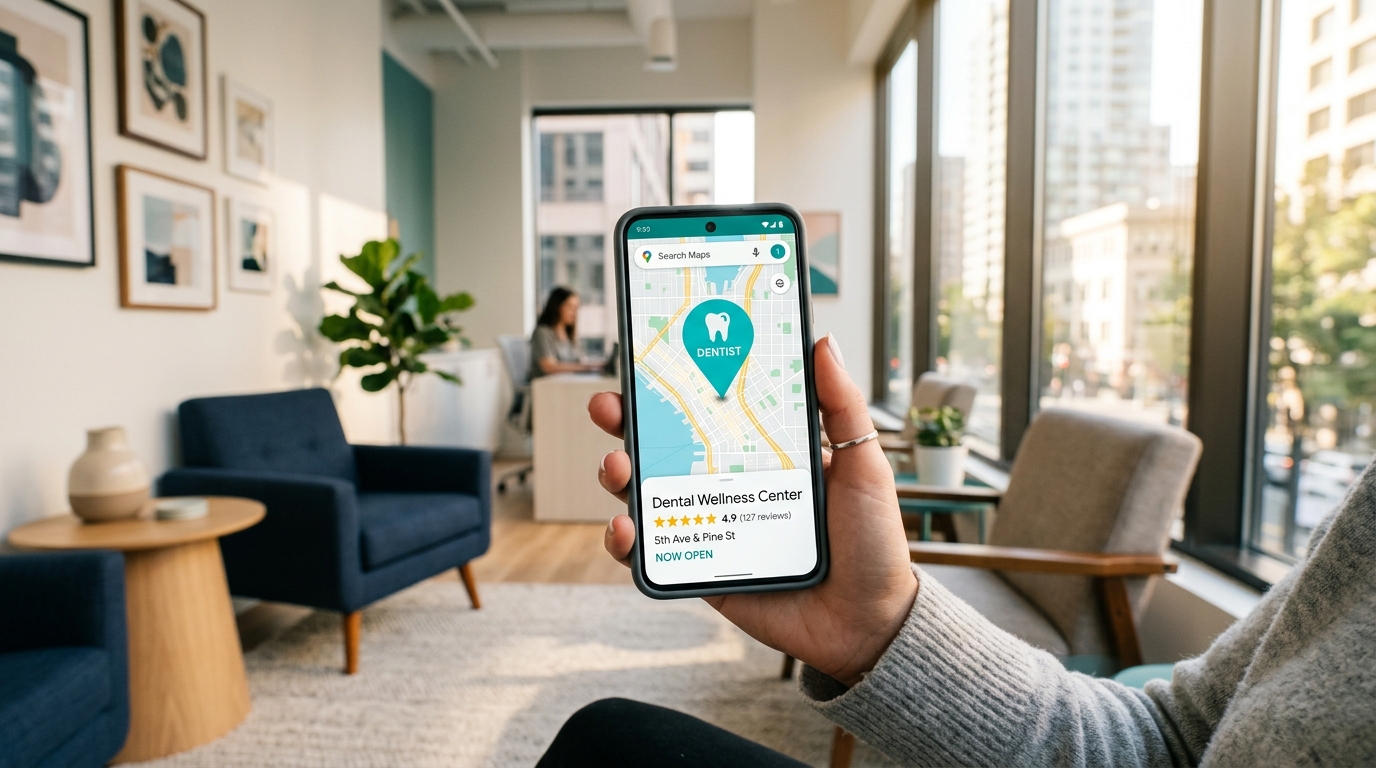
Where your practice shows up in those results, or whether it shows up at all, will determine whether they call you or call someone else. In a matter of seconds, they'll make that decision based on what they see on Google Maps: your rating, your reviews, your photos, and whether your profile looks like a real, active, trustworthy dental practice.
This guide is for dental practice owners who want to make sure they show up, and show up well, when patients come looking.
The Reality of How Patients Find Dentists Today
Let's be honest: most people don't have a dentist they're loyal to the way they're loyal to their regular mechanic or their favorite restaurant. They lose touch with their childhood dentist, move to a new city, switch insurance, or just realize they haven't had a cleaning in two years and need to find someone convenient and trustworthy.
Google is where they start. And for local searches, "dentist in [city]," "family dentist near me," "emergency dentist open Saturday", the results that appear in Google Maps' three-pack get the vast majority of the attention. Patients look at the star rating, skim a couple of reviews, and make a decision.
Studies estimate that the majority of people who search for a local service contact a business within 24 hours (based on typical local search behavior patterns). For dental practices, that means Google Maps isn't just about awareness, it's about direct patient acquisition.
The practices that show up consistently in the top three positions are getting a steady stream of new patients without spending heavily on advertising. The ones that don't show up are paying for ads, relying on word of mouth alone, or watching their patient roster slowly shrink as people move away and don't get replaced.
Optimizing Your Google Business Profile for Your Dental Practice
Your Google Business Profile is the centerpiece of your local Maps presence. Here's how to make it work as hard as possible for your practice.
Category: Choose "Dentist" as your primary category. Then add secondary categories that reflect your specialties, "Cosmetic Dentist," "Pediatric Dentist," "Orthodontist," "Emergency Dental Service," or "Dental Implants Periodontist", whatever applies to your practice. This helps you appear in more specific searches beyond just "dentist near me."
Services list: Google lets you itemize your services with descriptions. Don't skip this. List your routine services (cleanings, exams, X-rays) and your specialty services (teeth whitening, Invisalign, implants, veneers, emergency care). Be descriptive but conversational, explain what each service does for the patient, not just what it's called.
Business description: Write this in the voice of a caring, approachable dental practice. Patients are often anxious about dental visits, your description is an opportunity to be warm and reassuring. Mention how long you've been serving the community, what you specialize in, and what patients can expect from an experience at your office.
Hours and contact info: Keep hours accurate and update them for holidays. Include your main phone number, and if you have an after-hours emergency line, mention it in your description or posts.
Appointment booking link: If your practice uses an online scheduling tool (many practice management systems offer this), add the link to your profile. Patients increasingly prefer booking online, and a direct booking button on your Maps profile reduces friction significantly.
Photos: A professional-looking dental office with clean, bright photos signals trustworthiness. Include photos of your waiting area, treatment rooms, staff, and the outside of your building. Smiling staff photos are particularly effective, they humanize the practice and reduce the anxiety that many patients associate with dental visits.
Reviews for Dental Practices: Trust Is Everything
In healthcare, reviews carry extra weight. Patients are trusting you with their health, their comfort, and their appearance. A strong set of genuine reviews can be the deciding factor between someone choosing you or your competitor.
Asking for reviews in a dental practice setting:
The checkout desk is your golden moment. When a patient finishes an appointment and is feeling good, especially after a positive experience like a successful treatment or a great whitening result, ask before they walk out. "We're so glad your appointment went well! If you have a moment, leaving us a Google review would mean a lot to our team."
For routine appointments, you can follow up with a post-appointment email or text that includes a direct link to your Google review page. Keep the message simple and genuine, not a wall of text with multiple links.
What to do about negative reviews:
Even excellent practices get the occasional negative review. How you respond matters enormously, not just to the person who left it, but to every potential patient who reads it.
Always respond. Keep it calm, professional, and compassionate. Don't share private patient information in your response (HIPAA consideration). Acknowledge their experience, express that their feedback matters, and invite them to contact your office directly. Something like: "We're sorry to hear your visit didn't meet your expectations. Patient comfort and care are our top priorities. We'd love the opportunity to speak with you directly, please reach out to our office and we'll do everything we can to make things right."
A gracious response to a negative review can actually build trust with potential patients. It shows you're accountable and that you genuinely care.
The Power of Niche-Specific Searches
One advantage dental practices have over more general businesses is that many of your potential patients are searching for very specific things. Someone searching "pediatric dentist near me" or "emergency dentist open Sunday" or "Invisalign provider [city]" is a very motivated potential patient.
By listing your specialty services clearly on your profile, writing posts that mention specific treatments, and making sure your categories reflect your specialties, you can show up for these high-intent searches that your competitors might be missing.
For example: if you offer emergency dental care, say so explicitly in your profile description, your services list, and a regular post. "Emergency appointments available, call us" is not just helpful to patients; it's content that helps Google understand what searches to connect you to.
Local Authority: Getting Your Practice Mentioned Around the Web
Google Maps ranking isn't just about your profile in isolation. It also looks at how your practice is referenced across the wider web.
For dental practices, this means:
- Making sure you're listed on health directories like Healthgrades, Zocdoc, WebMD, and Yelp with consistent contact information
- Getting listed in your local Chamber of Commerce directory
- Being mentioned on your local neighborhood or community websites
- Having a website with clear local content (your city name, neighborhood, the communities you serve)
The more consistently your practice name, address, and phone number appear across reputable online sources, the stronger your local credibility in Google's eyes.
Regular Activity Signals a Thriving Practice
Dental practices tend to set up their Google profile and then forget about it for years. This is a missed opportunity.
Regular activity on your profile, new photos, posts, responding to reviews, signals to Google that your practice is active and well-managed. It also gives potential patients more reasons to choose you when they're comparing options.
Ideas for posts:
- Oral health tips for different seasons ("Back to school? Schedule your child's cleaning now")
- Staff spotlights or team introductions
- New equipment or technology you've added
- Community involvement (sponsoring a little league team, participating in a local health fair)
- Special availability (if you've added Saturday hours or extended evening appointments)
Aim for one or two posts per week. It doesn't have to be elaborate, a photo with a couple of sentences works just fine.
How Leapfy Can Help Your Dental Practice
Running a dental practice is demanding. Between patient care, staff management, insurance, and everything else, spending hours each week managing your online presence isn't realistic.
Leapfy was built for exactly this situation. It's a Google Maps SEO tool designed for local businesses and practices like yours, helping you maintain a strong, active presence on Google without it becoming another thing on your to-do list. More visibility, more patients, less hassle.
Try Leapfy free at leapfy.ai →
Frequently Asked Questions
Q: Is there any HIPAA concern with Google reviews for dental practices?
A: You cannot share or confirm any patient information in your review responses, this would violate HIPAA. When responding to reviews, keep your response general. You can thank a reviewer and mention your commitment to care without confirming that they are a patient. When dealing with a negative review, invite them to contact you directly rather than discussing specifics publicly.
Q: How many reviews does a dental practice need to rank well on Google Maps?
A: It varies by market, but generally, practices with 50 or more reviews with an average above 4.2 stars perform well. More important than hitting a specific number is getting new reviews consistently, even 3–5 new reviews a month makes a meaningful difference over time.
Q: Should each dentist in my practice have their own Google profile?
A: No, the practice should have one profile. Individual dentists can have profiles on platforms like Healthgrades or Zocdoc, but for Google Maps, consolidate everything on the practice profile to maximize your review count and overall visibility.
Q: My practice is new. Is it possible to rank well on Google Maps quickly?
A: New practices can absolutely climb quickly, especially if they're in areas where competitors have neglected their profiles. Focus on filling out your profile completely, getting your first 20–30 reviews, and posting consistently. A well-optimized new practice can outrank an established but neglected competitor within a few months.
Q: Do patient reviews help with Google Maps ranking or just appearance?
A: Both. More reviews and higher ratings directly contribute to your ranking position in Google Maps results. They also dramatically affect whether someone actually clicks on your profile and calls your practice, so the benefit is twofold.
Ready to attract more patients to your dental practice through Google Maps? Try Leapfy free →