How to Get Your Restaurant to the Top of Google Maps (A Real Owner's Guide)
In this article
Picture this: it's Friday evening, and someone a few blocks away picks up their phone and types "best pizza near me", or "family restaurant open now." Google Maps pops up. Three restaurants appear in that little box at the top. Are you one of them?
If you're not sure, you're probably not. And that means every weekend, every lunch rush, every dinner crowd, you're invisible to people who are actively looking for exactly what you serve. They're hungry, they're nearby, and they're ready to spend money. They just can't find you.
The good news is that showing up at the top of Google Maps for restaurants isn't some mysterious black box. It's a set of consistent actions that any restaurant owner can take, no tech background required. This guide walks you through exactly what works, why it works, and how to start today.
Why Google Maps Is the #1 Discovery Channel for Restaurants
Before we get into the how, let's talk about the why.
Over 80% of people who search for a local restaurant on their phone visit one within the same day (estimated, based on Google consumer behavior studies). When someone is hungry and nearby, they're not scrolling through a website or reading a long review, they're opening Google Maps and clicking on whatever shows up first.
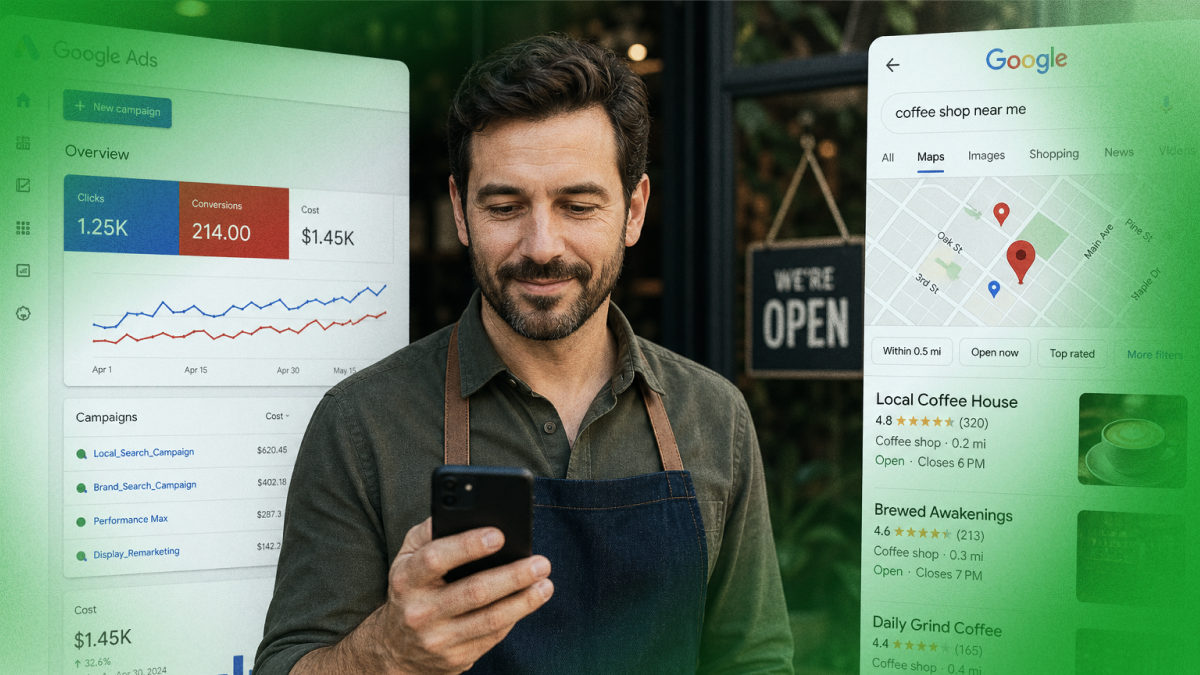
That "three-pack" you see at the top of local search results? That's the most valuable real estate in your neighborhood, and it's free. You don't pay for those spots. You earn them.
Restaurants that consistently show up there report seeing significant increases in phone calls, direction requests, and walk-in traffic. One independent pizza shop owner said her phone calls doubled in three months just by optimizing her Google presence. Another family diner saw a 40% increase in weekend foot traffic (estimated outcomes based on typical results for local businesses that optimize their Google presence).
And here's the thing: most of your competitors are probably not doing this well. That means there's a very real opportunity for you to climb above them, starting this week.
Step 1: Claim and Complete Your Google Business Profile
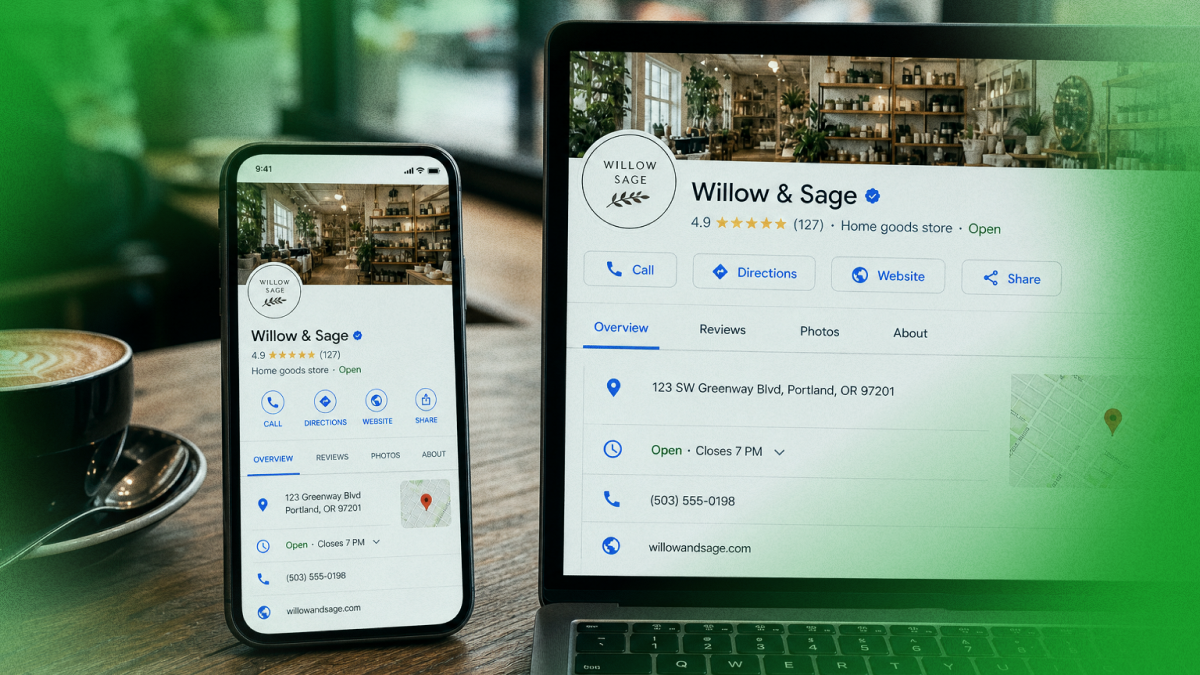
This is the foundation of everything. If you haven't claimed your restaurant's Google Business Profile (formerly Google My Business), do it today. If you have claimed it, there's a good chance it's missing information that's hurting your visibility.
Here's what a complete profile looks like:
Business name: Your actual restaurant name, no stuffing extra words in there. Just the real name people know you by.
Category: Be specific. "Restaurant" is too broad. If you're a Mexican restaurant, pick "Mexican restaurant." If you're a pizza place, choose "pizza restaurant." You can add multiple categories, so pick your primary and then a couple that also apply.
Address: Make sure it's accurate and formatted consistently everywhere online.
Hours: Keep these updated. If you have holiday hours, special hours, or seasonal changes, update them. Nothing frustrates a customer more than driving somewhere and finding it closed.
Phone number: Use a local number if possible. Make sure it works and someone answers it (or at least returns calls quickly).
Website: Link to your actual site. If you don't have one, even a simple single-page site is better than nothing.
Photos: This one is huge for restaurants. We'll talk about it more in a moment.
Menu: Yes, Google lets you add your menu! Use it. Customers browse it before deciding where to eat.
Attributes: Does your restaurant have outdoor seating? Do you offer takeout or delivery? Are you family-friendly? Pet-friendly patio? Every attribute you add is another way a customer can find you.
Take 30 minutes this week to go through every single field in your profile and fill it in completely. Most restaurant owners skip half of it and wonder why they're not showing up.
Step 2: Photos Are Your Best Sales Tool. Use Them
If someone lands on your Google profile and sees two blurry photos taken in 2019, they're clicking on the next restaurant. It sounds harsh, but it's true. Photos are the fastest way to make a first impression, and for restaurants, they're often what tips someone from "maybe" to "let's go."
Here's a simple photo strategy that works:
Food photos first. Your best dishes, photographed in good natural light. You don't need a professional photographer, a modern smartphone in daylight works fine. Show your signature dishes, your most popular items, your seasonal specials.
Interior and atmosphere. Show people what it feels like to be in your restaurant. A cozy corner booth, a lively bar area, a beautiful patio, whatever your vibe is, show it.
Your team. A smiling chef, a friendly server, the owner greeting a regular, these human touches build trust.
Outside of the building. Help people know what they're looking for when they arrive.
Aim for at least 20-30 high-quality photos to start, then add new ones every month. Google notices when businesses regularly add fresh photos, it's a signal that the business is active and well-managed.
One more thing: Google allows customers to add photos too. You can't control that, but you can encourage happy customers to share their food photos on your listing. More photos from real customers = more trust from potential customers.
Step 3: Reviews Are Your Restaurant's Reputation. Take Them Seriously
Let's talk about reviews, because they're one of the biggest factors in where you show up on Google Maps.
More reviews help. Better reviews help. Responding to reviews helps. All three together? That's a combination that can push you significantly higher in local search rankings.
Getting more reviews:
The simplest way to get more reviews is simply to ask. Most happy customers never think to leave a review unless someone prompts them. Train your staff to mention it at the end of a great meal: "If you enjoyed your experience, we'd love it if you left us a review on Google, it really helps us out." You can also put a small card on the table with a QR code that links directly to your review page.
Responding to every review:
Yes, every one. Thank happy customers by name when possible. Address complaints calmly and professionally, not just for the reviewer, but for everyone who reads it. How you respond to a negative review tells potential customers more about your business than the review itself.
Never buy reviews or post fake ones. Google is very good at detecting this, and the penalties can remove your listing entirely. Earn them the real way, by being great at what you do and asking people to share their experience.
A 4.2-star restaurant with 300 reviews will almost always outrank a 4.8-star restaurant with 12 reviews. Volume and recency matter. Keep asking, keep responding, keep earning.
Step 4: Keep Your Information Consistent Everywhere Online
Here's one that catches a lot of restaurant owners off guard: your business information needs to match across every platform online. Google, Yelp, TripAdvisor, Facebook, your own website, Yelp, OpenTable, everywhere your restaurant appears, the name, address, phone number, and hours should be identical.
Even small differences, like "St." vs. "Street" in your address, or an old phone number on an old directory site, can confuse Google and hurt your ranking.
Do a quick audit: search your restaurant name online and check every listing that comes up. Make sure everything matches. Update anything that's outdated or inconsistent. This alone can move the needle more than most people expect.
Step 5: Post Regular Updates on Your Google Business Profile
Did you know Google Business Profile has a built-in post feature? Most restaurant owners have never used it.
You can post about:
- Weekly specials or new menu items
- Upcoming events (live music, trivia nights, happy hour specials)
- Seasonal dishes
- Holiday hours
- Behind-the-scenes moments
These posts show up on your Google profile and signal to Google that your business is active and engaged. Think of it as a mini social media feed that lives right on your Google listing. Aim to post at least once or twice a week.
How Leapfy Can Help Your Restaurant
Managing all of this consistently, reviews, photos, posts, profile updates, is a lot to keep up with when you're also running a kitchen, managing staff, and keeping customers happy. That's exactly what Leapfy is built for.
Leapfy is a Google Maps SEO tool designed specifically for local businesses like yours. It helps you stay on top of your Google presence without spending hours on it every week, so you can focus on the food, and let Leapfy handle the visibility. Thousands of local business owners are already using it to climb Google Maps rankings and bring in more customers. Ready to see what it can do for your restaurant?
Try Leapfy free at leapfy.ai →
Frequently Asked Questions
Q: How long does it take to get to the top of Google Maps for restaurants?
A: It depends on your starting point and your competition, but most restaurant owners start seeing noticeable movement within 4–8 weeks of consistently optimizing their profile, gathering reviews, and posting updates. Some see changes faster, some take a little longer, but steady effort always pays off.
Q: I already have a Google Business Profile. Isn't that enough?
A: Claiming your profile is just the first step. A complete, active, well-reviewed profile performs dramatically better than one that's just been claimed and left alone. Think of it like opening a restaurant, just unlocking the door isn't enough. You need to keep showing up, keep it looking great, and keep engaging with customers.
Q: Do I need to pay for ads to show up on Google Maps?
A: No. The organic results on Google Maps, the three-pack that appears most prominently, are earned through profile optimization, reviews, and activity. You can run paid ads to supplement, but many restaurants rank at the top without spending a dollar on ads.
Q: What's the most important thing I can do right now?
A: If you have to pick one thing to start today, make it your Google Business Profile. Fill in every field, add great photos, and make sure your hours are accurate. That single action sets the foundation for everything else.
Q: My competitor has fewer reviews than me but ranks higher. Why?
A: Reviews are just one factor. Google also looks at how complete your profile is, how recently it was updated, how active you are with posts and responses, and how consistent your information is across the web. It's a combination of signals, which is why consistent effort across all of them matters.
Ready to get your restaurant to the top of Google Maps? Try Leapfy free →