How to Add a Physical Address to Your Google Business Profile: A Comprehensive 2026 Guide

In this article
How to Add a Physical Address to Your Google Business Profile: A Comprehensive 2026 Guide
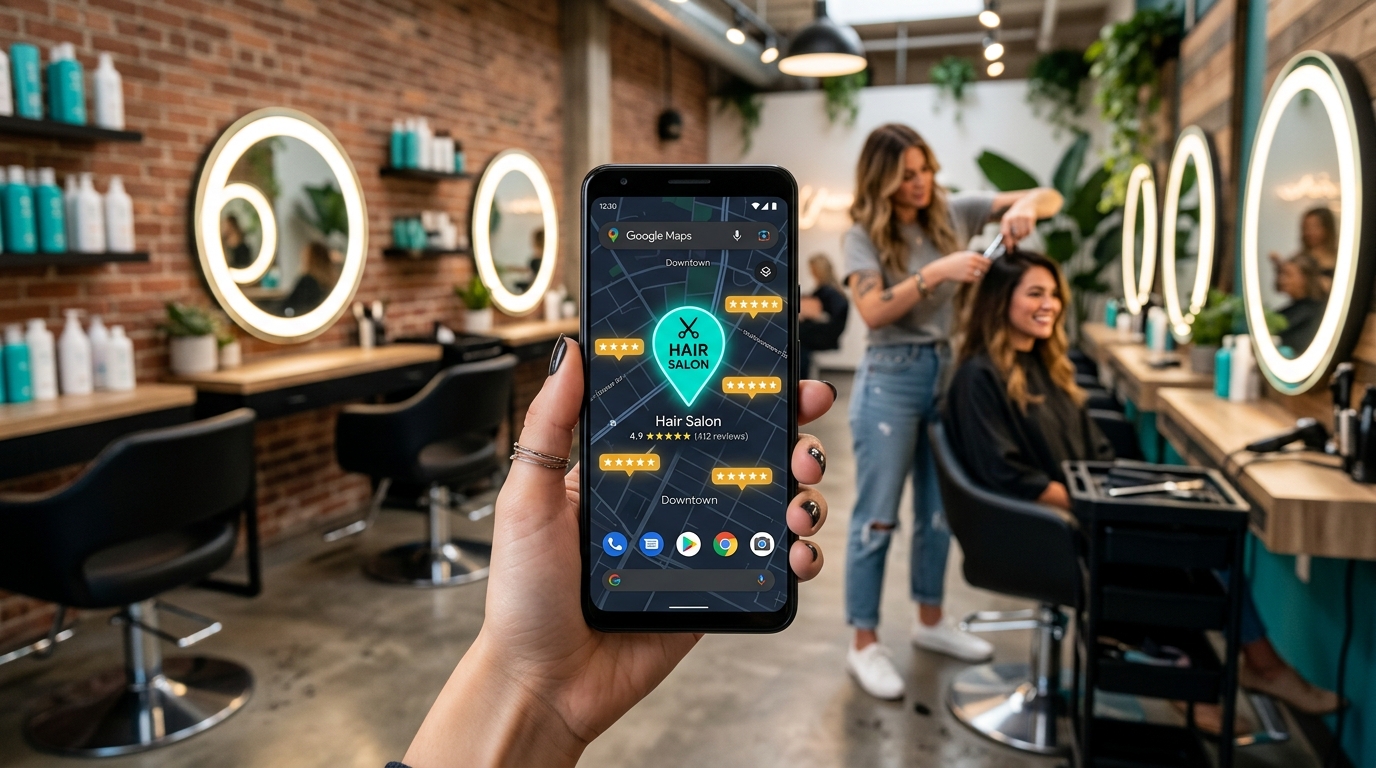
Establishing a local presence is essential for businesses that serve customers at a specific location. When you learn How to Add a Physical Address to Your Google Business Profile, you enable your business to appear on maps and local search results, which significantly increases foot traffic and local credibility. A verified physical address acts as a trust signal for both search engines and potential clients.
The process involves accessing your profile dashboard and entering precise location data. Understanding How to Add a Physical Address to Your Google Business Profile ensures that your business markers are accurately placed, helping customers find your front door without confusion. This is particularly vital for service-based industries and retail storefronts operating in 2026's highly competitive local markets.
For businesses looking to scale these operations, Leapfy.ai offers AI-driven automation that helps manage customer interactions once they find your location. By integrating smart communication tools, you can ensure that every lead generated through your updated profile is captured and nurtured automatically.
Step-by-Step Instructions for Updating Your Location
The technical steps regarding How to Add a Physical Address to Your Google Business Profile are straightforward but require precision. First, sign into the email account associated with your business. Navigate to the "Edit Profile" section and locate the "Location" tab. Here, you will find the option to input your street address, city, state, and postal code.
| Step | Action | Objective |
|---|---|---|
| 1 | Access Dashboard | Open the business management interface. |
| 2 | Edit Location | Select the address field to input new data. |
| 3 | Precise Pin Placement | Adjust the map marker to the exact building entrance. |
| 4 | Save and Verify | Submit changes for Google's review process. |
Knowing How to Add a Physical Address to Your Google Business Profile also requires you to decide if you want to show your address to the public. If you operate out of a home office but serve customers at their locations, you might choose to hide the specific address while still maintaining a service area. However, for a storefront, displaying the full address is mandatory for map indexing.
Verification Requirements for Physical Addresses
Once you have mastered How to Add a Physical Address to Your Google Business Profile, the next phase is verification. Google typically requires proof that the business actually operates at the stated location. In 2026, this often involves receiving a postcard with a unique code, a video verification of the premises, or a phone call to a business line registered at that specific site.
Without completing this step, your efforts on How to Add a Physical Address to Your Google Business Profile will not result in a live public listing. Verification prevents fraudulent listings and ensures that the information provided to users is reliable. If you change your address later, you will likely need to repeat this verification process to maintain your ranking in local search results.
Managing these updates across multiple platforms can be time-consuming. Utilizing a platform like Leapfy.ai allows business owners to focus on their physical operations while AI handles the influx of digital inquiries that follow a successful profile update. Automation ensures that your business remains responsive even while you are busy managing your new physical site.
Common Challenges and Solutions in Address Management
Many users encounter issues when researching How to Add a Physical Address to Your Google Business Profile, such as "address not recognized" errors. This usually happens if the address is new or not yet indexed in official postal databases. To fix this, ensure you are using the standard format used by the local postal service and avoid adding unnecessary information like suite numbers in the primary address line.
Another hurdle in How to Add a Physical Address to Your Google Business Profile is managing "Service Area Businesses" (SABs). If you move from a physical shop to a mobile service, you must update your profile to reflect a service area rather than a point on the map. This prevents customers from showing up at a location where you no longer accept visitors.
- Duplicate Listings: Ensure no other profile exists for the same address to avoid suspension.
- Formatting: Use "Street" instead of "St" if the system fails to recognize the abbreviation.
- Consistency: Keep your address identical across your website and social media.
Understanding the nuances of How to Add a Physical Address to Your Google Business Profile helps prevent profile suspension. Google’s algorithms cross-reference your data with other web sources. If your address is inconsistent across the web, it may trigger a manual review, delaying your ability to show up in local searches.
Impact of Location Data on Local SEO and Conversion
Learning How to Add a Physical Address to Your Google Business Profile is one of the most effective ways to improve Local SEO. When your physical location is verified, you are eligible to appear in the "Local Pack," the top three map results shown for "near me" searches. This visibility is a primary driver of revenue for local enterprises.
Beyond just visibility, knowing How to Add a Physical Address to Your Google Business Profile impacts your conversion rate. Customers are more likely to trust a business that has a clear, verifiable location. It provides them with a sense of security, knowing there is a physical place they can visit if they have issues with a product or service.
To maximize the benefits of your new location, you can use Leapfy.ai to automate the follow-up process for customers who check in or leave reviews at your physical address. By combining a verified physical presence with AI-powered engagement, your business can provide a seamless experience from the first map search to the final sale.
Final Checklist for Address Optimization
Before finishing your task of How to Add a Physical Address to Your Google Business Profile, perform a final audit of your information. Check that the zip code is accurate and that the map pin is not dropped in the middle of a street or a parking lot. Precise pin placement is a small detail that significantly improves the user experience for mobile navigators.
- Confirm the address matches your official utility bills or lease agreement.
- Ensure the "Show address" toggle is set correctly for your business type.
- Check that the phone number associated with the address is local.
- Update your office hours to match the new physical location's operations.
Successfully executing How to Add a Physical Address to Your Google Business Profile is a foundational step in digital marketing. It bridges the gap between online discovery and offline transactions. By following these guidelines, you ensure that your business remains accessible, searchable, and professional in the eyes of both Google and your local community. Remember that as your business grows or moves, knowing How to Add a Physical Address to Your Google Business Profile will remain a recurring and vital skill for maintaining your digital footprint.