Google Maps Optimization for Hair Salons: How to Fill Your Chair Every Week
In this article
There's a woman three blocks from your salon right now searching "hair salon near me open today." She needs a cut, she's ready to book, and she has no idea who you are.
If your salon doesn't show up in the top results when she searches, she's going to book with someone else. Maybe a chain. Maybe a competitor who hasn't been doing this as long as you, doesn't care as much, and doesn't do hair half as well, but happens to show up at the top of Google Maps.
That scenario plays out hundreds of times every month in every neighborhood. And the difference between the salons that get those bookings and the ones that don't often comes down to one thing: who's done the work of showing up on Google.
The good news? That work isn't complicated. It's consistent. And this guide walks you through every step of it.
Why Google Maps Is Where New Salon Clients Come From Now
Word of mouth is still valuable. Instagram is still worth having. But when someone moves to a new neighborhood, or their old stylist retires, or they just want to try somewhere new, the first thing they do is open Google and search.
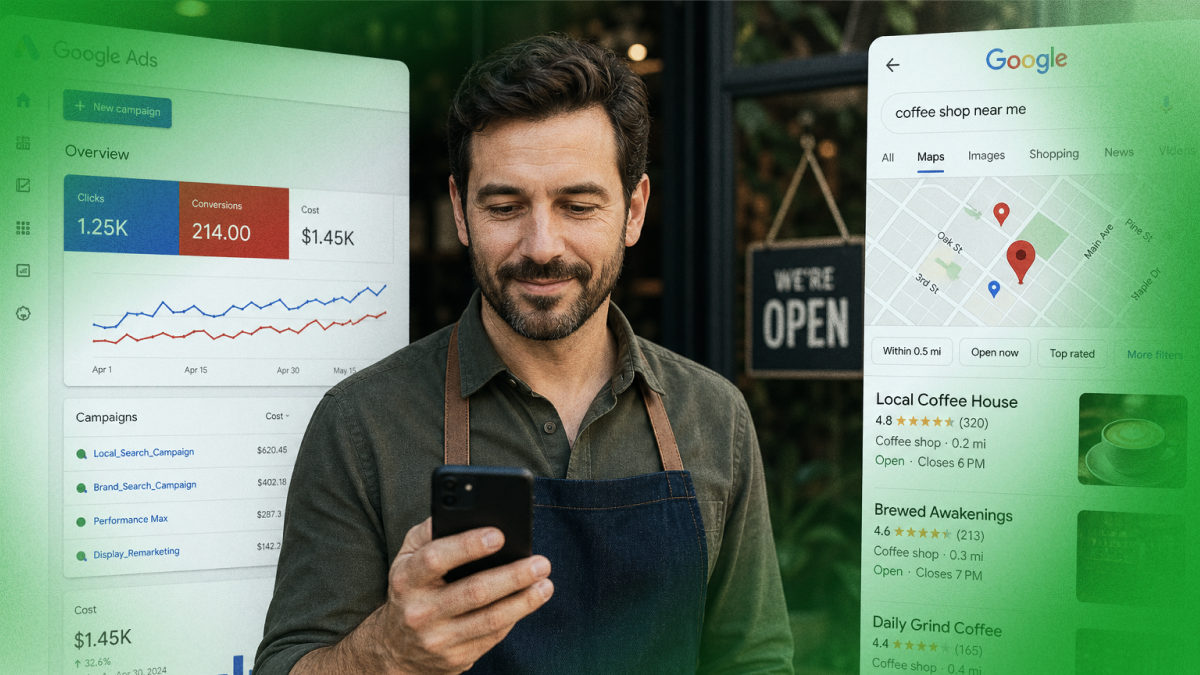
Over 90% of consumers use Google to find local businesses (estimated, based on Google search behavior studies). For personal services like hair salons, the local three-pack, those three business listings that appear prominently at the top of the search results, gets a massive majority of the clicks. If you're not in there, you're essentially invisible to anyone who doesn't already know you exist.
Here's the part that makes this really worth your attention: most hair salons are not optimizing their Google presence well. Profiles are incomplete, photos are outdated, reviews go unanswered. That means the bar to stand out is lower than you might think. A little consistent effort goes a long way.
Get Your Google Business Profile Right. This Is the Foundation
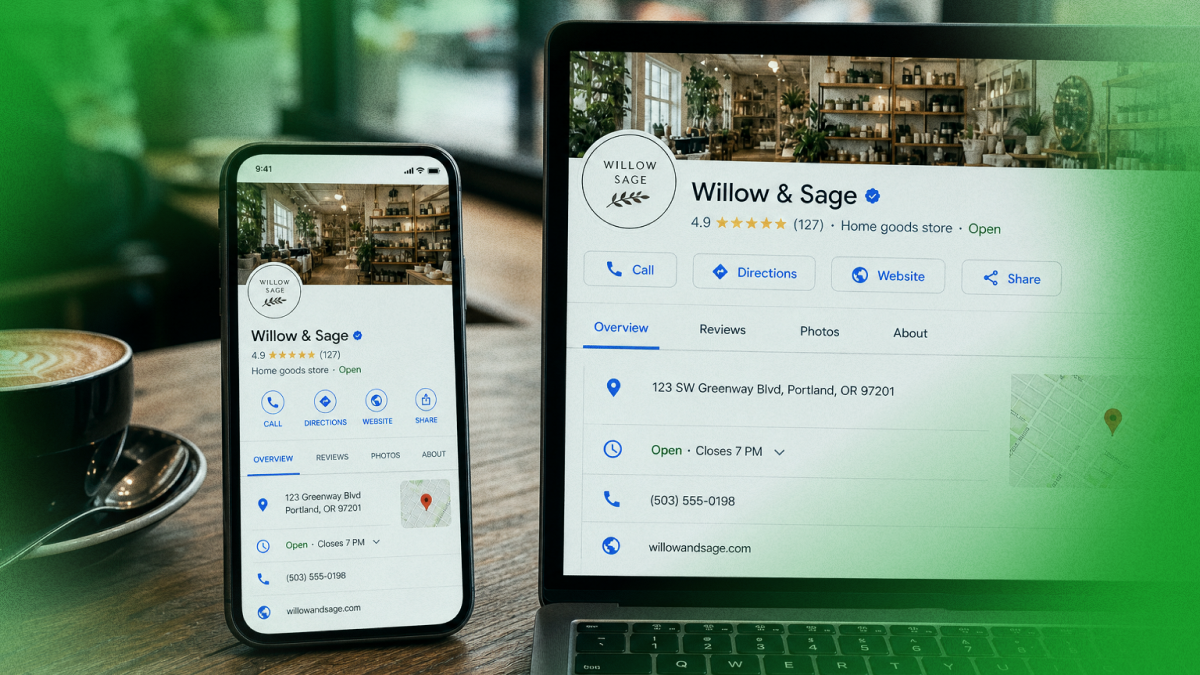
Your Google Business Profile is the control center for your Maps presence. Everything starts here.
Category selection matters more than you think. When setting up or updating your profile, make sure your primary category is "Hair Salon." Sounds obvious, but many salons choose "Beauty Salon" or just "Salon", which makes them compete against nail salons, spas, and everything else. If you specialize, there are sub-categories like "Hair Extensions Salon," "Barber Shop," or "Braiding Shop" that can help you show up for more specific searches.
Your description should sound like you, not a corporate brochure. Google gives you 750 characters to describe your business. Use it to tell your story. What makes your salon different? Do you specialize in color? Natural hair? Precision cuts? Extensions? Are you a relaxed, neighborhood salon or a high-end experience? Write it the way you'd describe yourself to a new client in person.
Services list: This is one of the most underused features. Google lets you list individual services with descriptions and prices. Balayage, keratin treatments, haircuts for kids, bridal styling, list them all. This helps you show up when someone searches for a specific service rather than just a "hair salon."
Booking link: If you use an online booking tool (StyleSeat, Booksy, Vagaro, Square Appointments, any of them), link it directly from your profile. "Book Online" button right on Google Maps is a massive conversion driver.
The Photo Game: Your Work Is Your Best Advertisement
Hair is visual. If your Google profile has three blurry photos, you are losing bookings to salons that are showcasing their work beautifully, even if you're the better stylist.
Here's a simple photo routine that works for busy salon owners:
After every great result, take a photo. Ask your client if you can take a quick before/after. Most happy clients say yes, especially if you let them keep the photo for their own social media. Build up a library of your best work over time.
Categories to cover:
- Color work (balayage, highlights, vivid colors)
- Cuts and styles
- Treatments and finishing
- Your salon interior, the vibe, the chairs, the lighting
- Your team
- Before/after comparisons
Consistency matters more than perfection. You don't need a photographer. Good natural light, a modern phone, and a clean background are enough. Post new photos regularly, at least a few times a month. Google rewards active profiles.
One important note: Google also shows photos uploaded by your clients. You can't control those, but you can encourage your happy clients to share their photos directly on your Google listing when they leave a review. Client-generated photos are seen as extra trustworthy by potential customers.
Reviews: The Real Currency of Local Trust
Potential clients read reviews before booking with any salon. They're looking for reassurance that they won't walk out with something they hate. The quantity of your reviews, the rating, the recency, and how you respond, all of these influence both where you rank on Maps and whether someone chooses to book with you.
Make asking for reviews a habit, not a one-time thing.
The best moment to ask is right when your client is in the chair looking at their hair in the mirror and loving it. That's peak satisfaction. A simple: "I'm so glad you love it! Would you mind leaving us a quick Google review? It really helps the salon." Most people are happy to do it in that moment.
You can also:
- Send a follow-up text or email the day after an appointment with a direct link to your review page
- Put a small card at your station or front desk with a QR code
- Include a link in your email signature
Responding to reviews is not optional.
Thank every positive reviewer. Be warm, be specific, be genuine. For negative reviews, take a breath, then respond professionally. Never argue. Acknowledge their experience, express that you'd like to make it right, and invite them to reach out directly. How you handle a bad review is one of the first things a potential new client looks at.
A consistent stream of fresh reviews, even if it's just a handful per month, does more for your visibility than a burst of 50 reviews three years ago.
Posts and Updates: Stay Active and Stay Visible
Google Business Profile lets you publish posts that appear on your listing, and most salons never use this feature.
Post about:
- New services you've added
- Seasonal promotions ("Spring color refresh, book now!")
- Staff introductions
- Hair care tips
- Before/after showcases
- Availability for last-minute bookings
These posts signal to Google that your salon is active and current. They also give potential clients more reasons to choose you, they can see that you're engaged, that you have promotions worth checking out, that there's a real person behind the business.
Aim to post once or twice a week. It takes five minutes. Keep it casual and real, not corporate.
Consistency Across the Web
Your salon's name, address, and phone number should be exactly the same everywhere: Google, Yelp, Facebook, StyleSeat, Booksy, your website, any local directories.
Even small inconsistencies, an old address, a slightly different business name, a changed phone number that wasn't updated everywhere, can confuse Google and hurt your ranking.
Take an hour and audit every place your salon appears online. Update anything that's outdated or inconsistent. This is unsexy work, but it matters.
The Neighborhood Advantage: How to Reach People Right Around You
Here's something powerful that most salon owners don't realize: Google Maps isn't just about who searches "hair salon" generically. It's also about geography.
When someone opens Google Maps and just browses nearby businesses, your salon can appear for them if your profile signals strong local relevance. This means:
- Using your city and neighborhood name naturally in your description
- Mentioning nearby landmarks if relevant ("Located in the heart of downtown Brookfield")
- Getting mentions and links from local websites (a neighborhood blog, a local newspaper listing, a community Facebook group)
These local signals add up and help Google understand exactly where you serve, and push you to the top for people in your immediate area.
How Leapfy Can Help Your Hair Salon
Keeping up with all of this, photos, reviews, posts, profile updates, consistency checks, is a real time investment. And you're already busy cutting, coloring, and managing a team.
Leapfy takes the heavy lifting off your plate. It's a Google Maps SEO tool built for local businesses like hair salons, and it helps you stay visible, stay active, and climb the rankings without spending hours managing your online presence every week. You focus on making your clients look amazing. Let Leapfy handle the rest.
Try Leapfy free at leapfy.ai →
Frequently Asked Questions
Q: How many reviews do I need to rank at the top of Google Maps for salons?
A: There's no magic number, but salons with 50+ reviews consistently outperform those with fewer. More importantly, keep getting fresh reviews regularly, recency matters as much as total count. If you're getting even 5, 10 new reviews a month, you're doing better than most.
Q: Someone left a fake or unfair review on my salon's profile. What do I do?
A: You can flag it for Google to review if it violates their policies. In the meantime, respond to it professionally and calmly, potential clients will see that you handled it with class. Avoid getting emotional or confrontational in your response.
Q: Should I create separate Google profiles for each stylist at my salon?
A: No. Your salon should have one Google Business Profile. If individual stylists want their own social media presence, that's separate, but for Google Maps, you want all the reviews and visibility in one place.
Q: Does having a website help my Google Maps ranking?
A: Yes, linking a website to your profile is a positive signal. It doesn't have to be elaborate, even a simple site with your services, hours, and booking link helps.
Q: My salon is home-based (suite or private studio). Can I still show up on Google Maps?
A: Yes! Google allows home-based and service-area businesses to have profiles. You can choose to hide your exact address while still showing up in local searches for your area.
Ready to fill your chair every week with new clients? Try Leapfy free →